 Start From Done
The app
The reverse journal app
Start From Done is a free reverse journaling app: you write a goal as already done, name what could stop you, and it drafts a backward plan to one 45 minute action today. You approve or edit each step.
What the app does
Most journals record what already happened. A reverse journal starts at the finish line and works back to today. Start From Done does the drafting for you, so you start from a first version instead of a blank page.
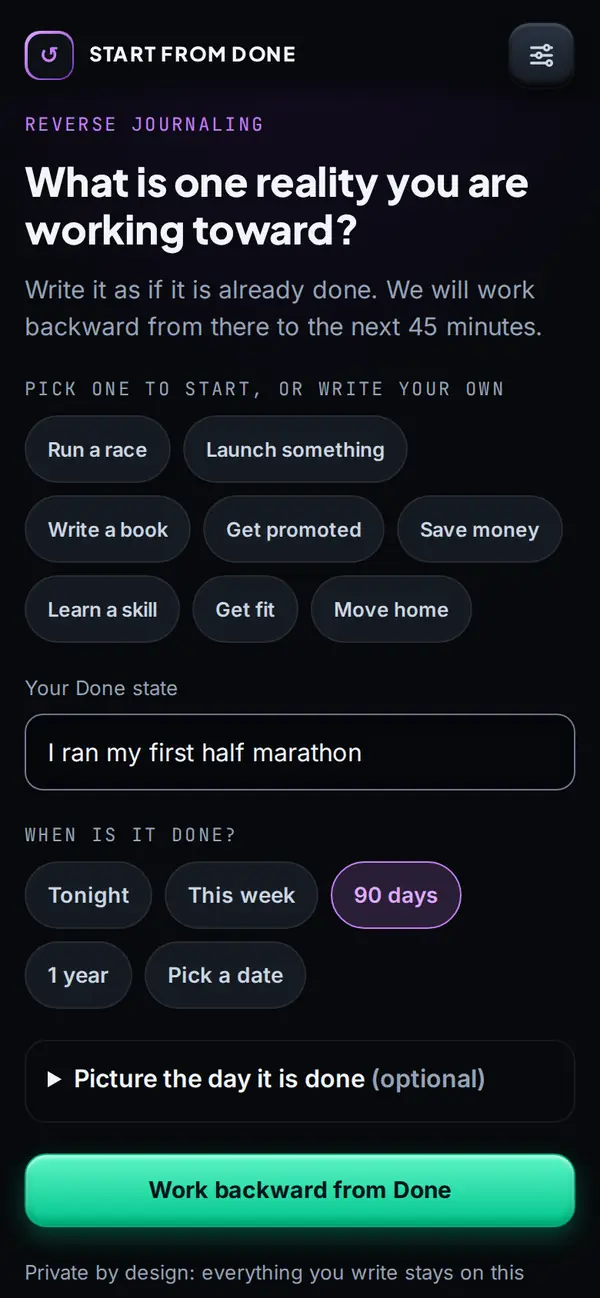
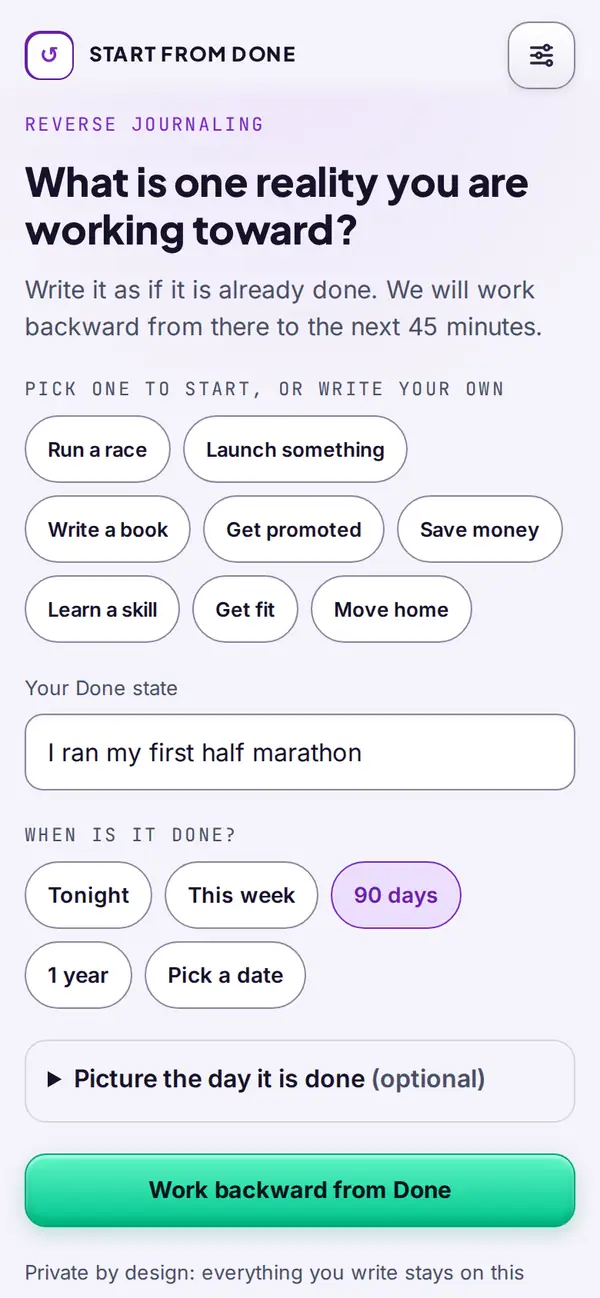
Write the goal as done
One line in the past tense, and a date. "I ran my first half marathon."
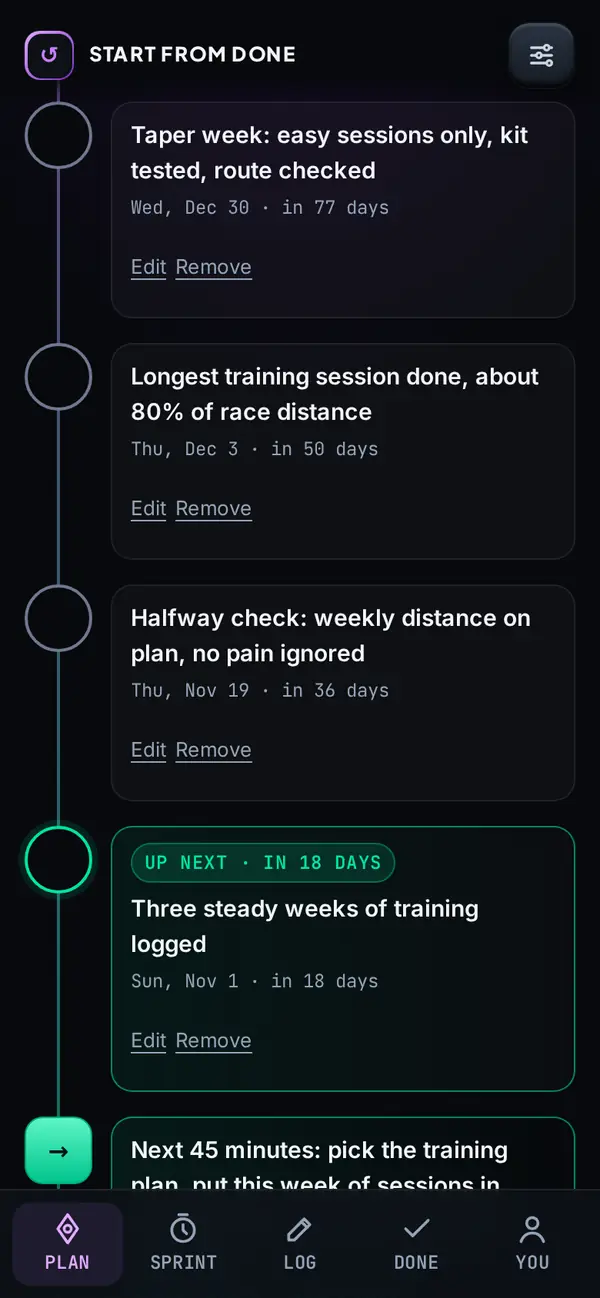
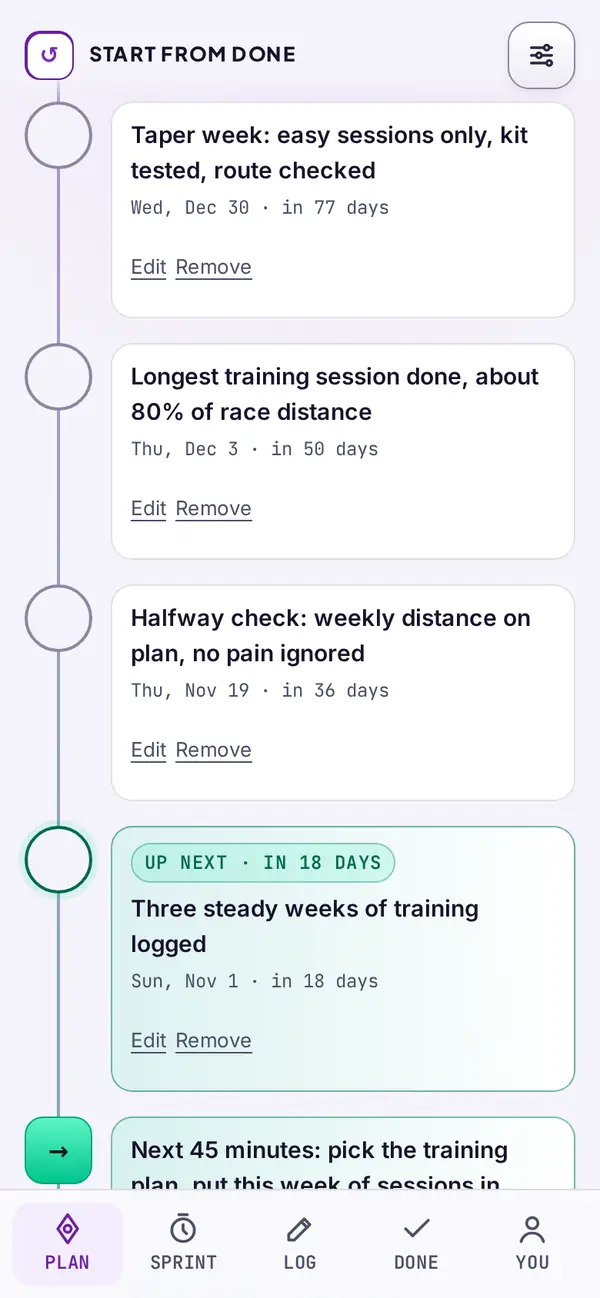
Get the backward plan
The app drafts milestones from the finish back to today. Edit any of them.
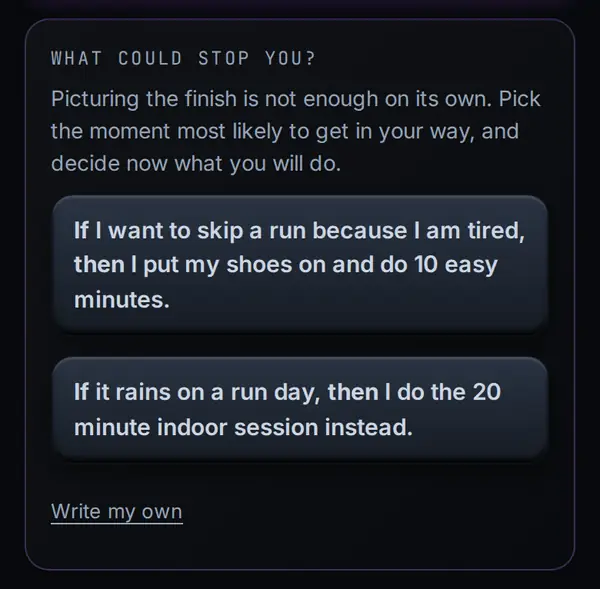
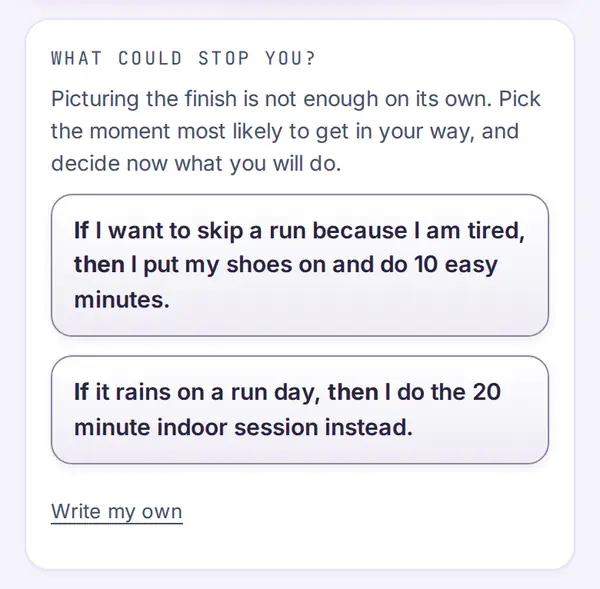
Plan for what could stop you
It suggests if-then plans for the likely obstacle. Pick one or write your own.
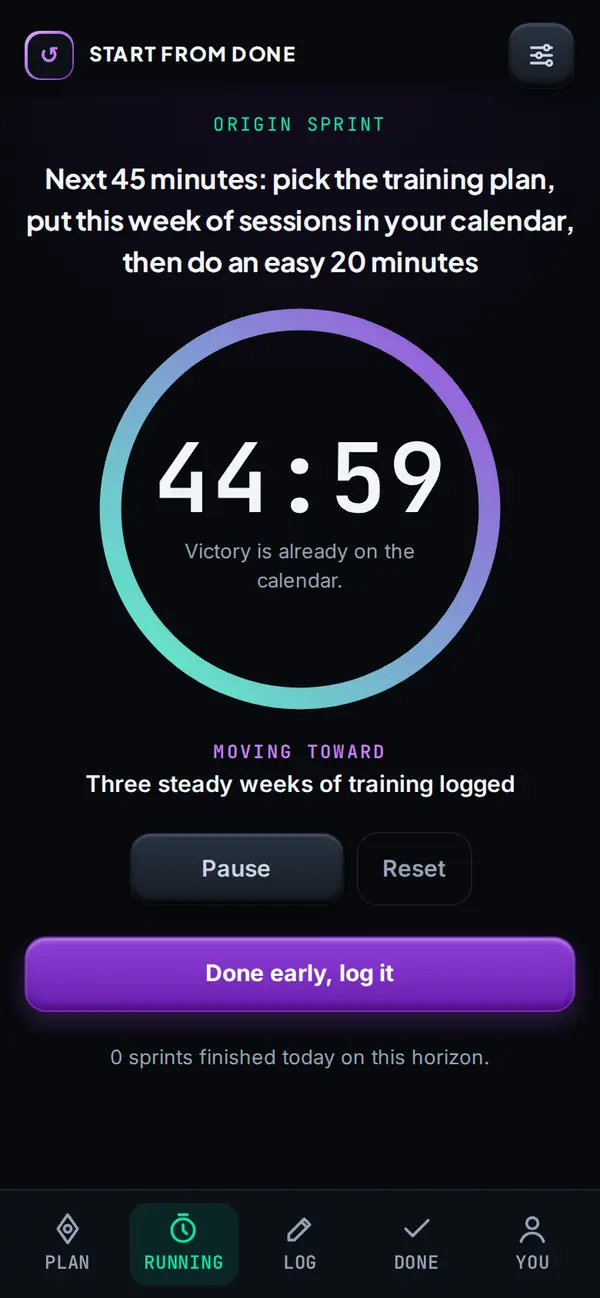
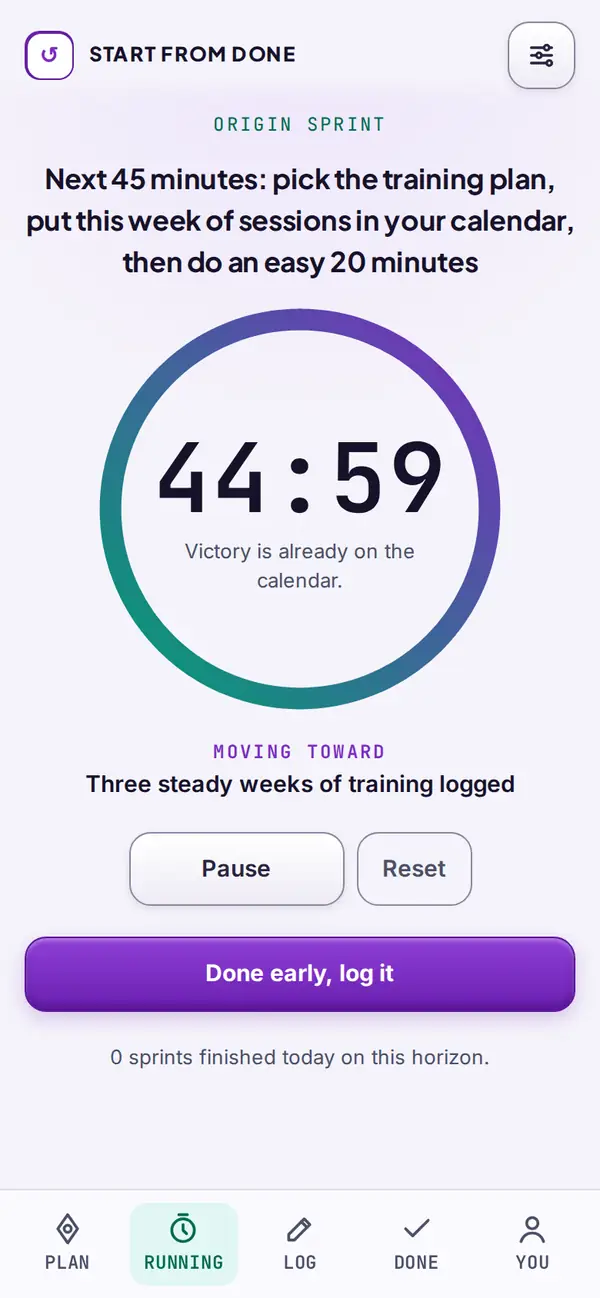
Do one 45 minute sprint
Today's first step, with a timer. Ten minutes counts too.
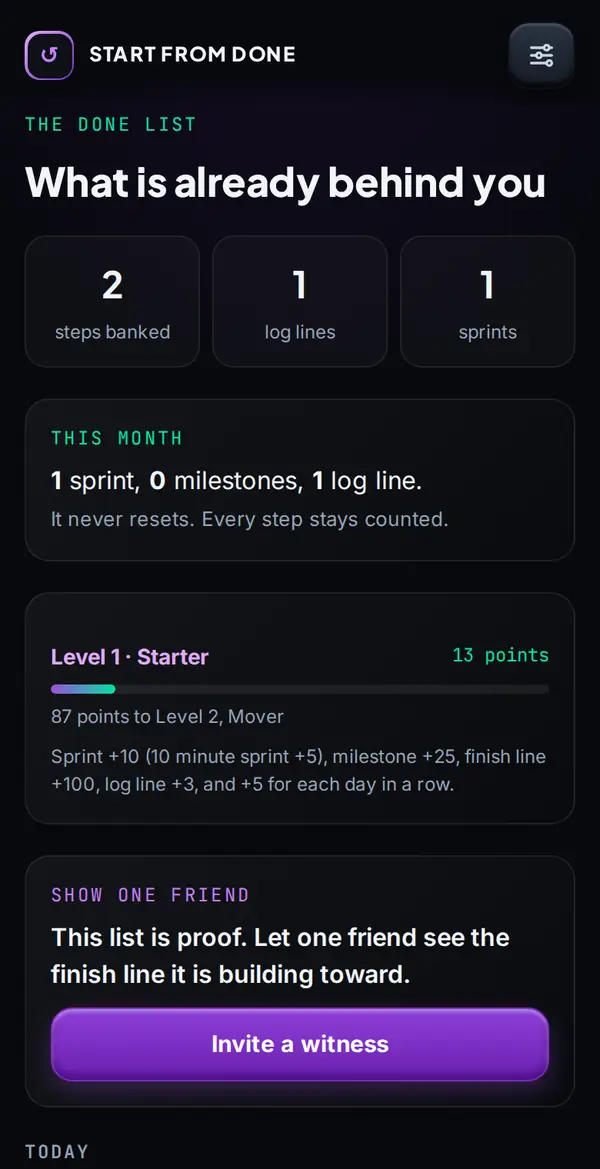
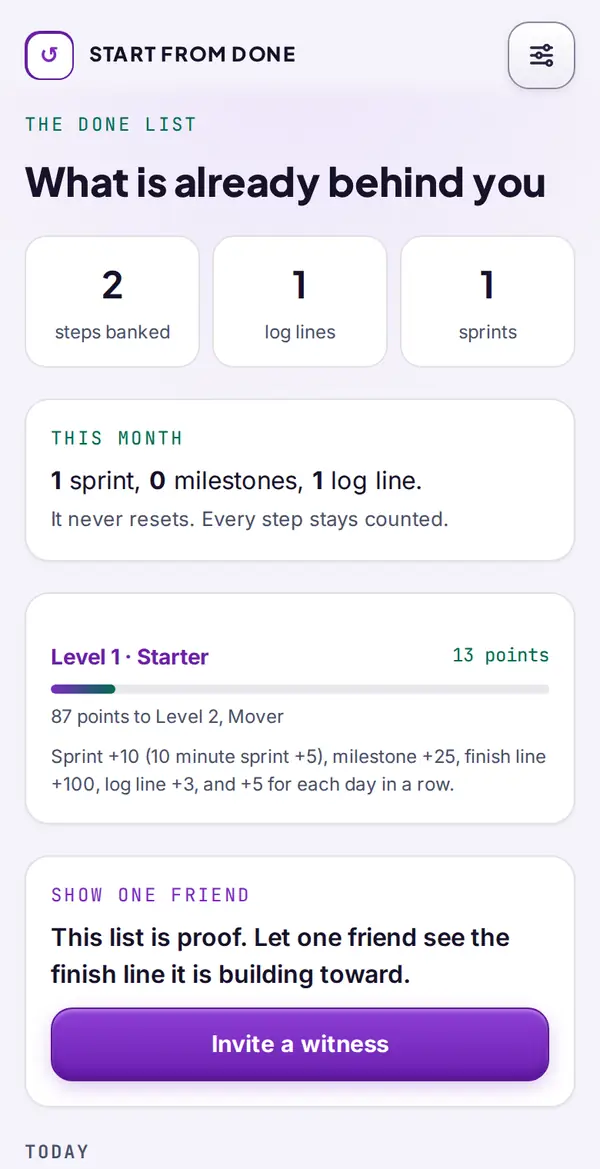
See it on your Done list
Sprints, steps and log lines collect in one place, so progress is something you can see.
Real app screens. Example goal.
Free and Pro
The whole loop is free. Pro adds extras such as future photos without a watermark, Future Film and the Done Poster.
Free
- Write one line, get the backward plan
- AI plan refine and finished-day drafts (a few a day)
- If-then plans, 45 minute sprints, evening log, Done list
- Points, levels and your Day 30 Time Capsule
- 369 Forward one day a week
- One future photo of you living it (marked as an AI preview)
- Letter from your future self, journal import, witness invites
- No account needed. Export or delete any time.
Pro
Monthly $9.99. Annual $59.99, about half the monthly price, 7 days free (best value). Founding Lifetime $249 once, first 100 founders, then $299.
- Future photos with no watermark, up to 10 a day
- Future Film: a short vertical video of you living the finished goal
- Done Poster: an 18 x 24 inch print-ready poster
- 369 Forward every day, not once a week
- Day 90 and Day 365 Time Capsules
- More finished-day drafts (10 a day)
- Your future-self letter in your own voice
Start Pro inside the app. Billed by Stripe. Cancel any time.
Private by design
Your journal stays on your device. No account is needed, and nothing you write is used to train anyone's AI. When you tap an AI button, only your goal line and date are sent (plus a first name and tone for scenes). Read the privacy policy for the details.
Who it suits
It suits people with one goal that keeps sliding, who want a next step more than a place to write long entries. If you want a diary for memories or a place to process a hard week, a traditional journal app may fit you better. You can also use both: the free import brings in a Day One, Journey or Daylio export, on your device.
How the method works
The app follows Reverse Journaling: write the goal as done, name the obstacle with an if-then plan, work backward to milestones, act today and log the evidence at night. Read what reverse journaling is, or backward planning (backcasting) for where the planning idea comes from. It is a planning tool, and it does not promise a result.
Questions
Is Start From Done free?
The core loop is free: write a goal as done, get the backward plan, if-then plans, 45 minute sprints, the evening log and the Done list. Pro adds extras such as future photos without a watermark, Future Film and the Done Poster.
Does it work on iPhone and Android?
Yes, in the browser. On Android and desktop Chrome it installs in one tap. On iPhone, open it in Safari, tap Share, then Add to Home Screen. App Store and Google Play versions are planned.
Where is my journal stored?
On your device. You do not need an account, and what you write is not sent to our server. You can export or delete it from Settings at any time.
What does the AI see?
When you tap an AI button, only your goal line and date are sent, plus a first name and tone for scenes. Your journal is not part of the request, and we do not store the request or the reply.
Can I bring my old journal?
Yes. The free import runs on your device and reads Day One (JSON or zip), Journey (zip), Daylio (CSV), Markdown, text and generic JSON files.
Will the app make my goal happen?
No app can promise that. It gives you a clear finish, a plan for what could stop you and one step for today, and it keeps a record of what you did.