
Free tool
Write a letter to your future self
Pick the day it opens. Write to the person you will be. Print it, save it as a PDF or a text file, and keep it in the free app if you like.
Your Time Capsule, in the app
Every goal seals a capsule. On day 30 it opens with what you wrote as done beside what you actually did.
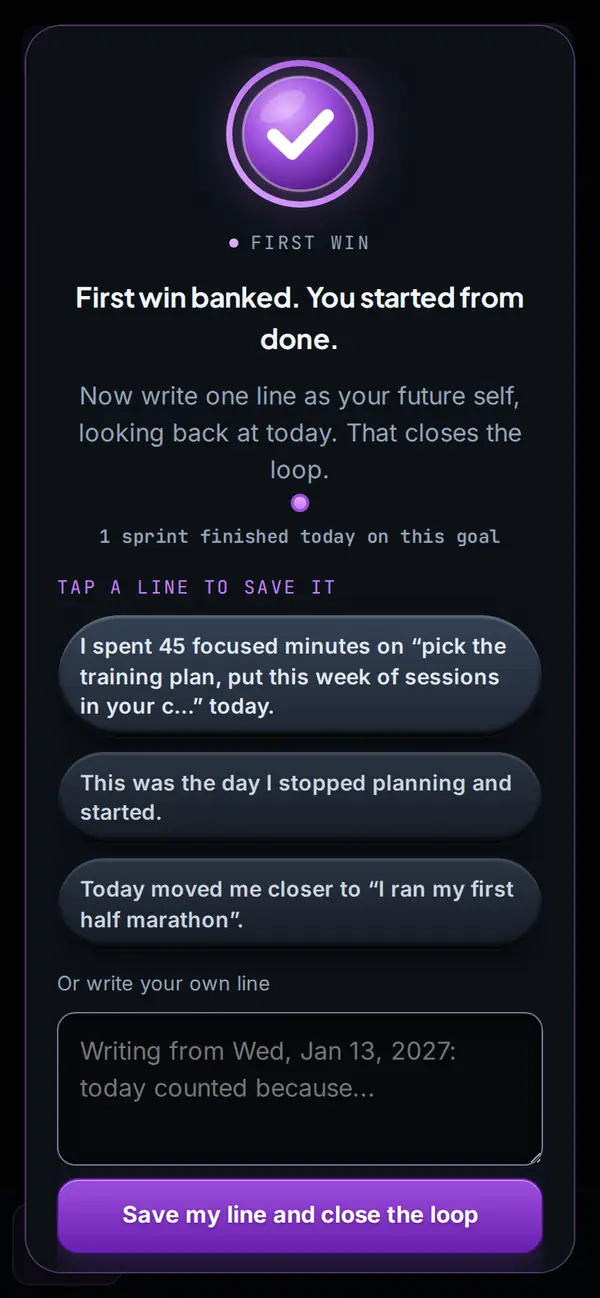
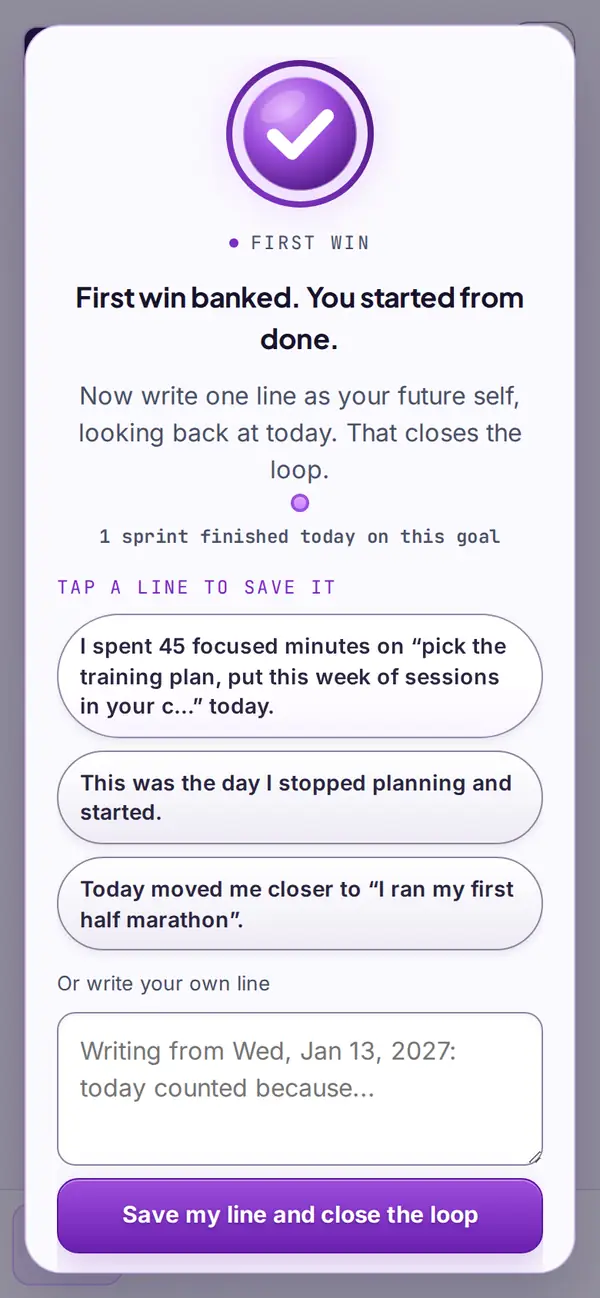
Real app screens. Example goal.
Start freeHow the method works: a letter from your future self
Why write to your future self
A letter to your future self is a note you write today and read on a set day later: in a month, a season or a year. It is small, private and oddly useful. Writing it makes you say what you hope will be true by then, and reading it later shows you how far you moved, or what changed your mind.
There is some early evidence behind the habit. In a 2018 study by Alexander Rutchick, Hal Hershfield and colleagues, 535 students were randomly asked to write a letter to themselves either 20 years or three months ahead. Those who wrote to the distant self reported a little more exercise over the next few days (source). The authors called the effect modest, and it was measured over days, not months. So treat the letter as a good habit with encouraging signs, not a promise.
How to use this letter writer
- Pick the open date. Thirty days for a sprint, ninety for a season, a year for something big.
- Write what will be done, then tap Draft it for me. A full first draft to change, made on this device.
- Or write it yourself. Each prompt adds a sentence starter to the letter. Use one, use all six, or ignore them.
- Name the obstacle. The most useful line in most letters is the one about what could get in the way, and what you will do when it shows up.
- Seal it and keep it. Print it, save it as a PDF from the print dialog, download a text file, and add the open date to your calendar so you remember to read it.
What to write about
Write as if you are talking to a friend who knows you well. Describe today honestly: what is hard, what you are working on, what you are proud of. Then say what you hope will be true when the letter opens. Keep it specific. "I hope you finished the first draft" is easier to check than "I hope you are happy".
If you want the letter to lead somewhere, pair it with a plan. Research on goal pursuit suggests that picturing the finish works better alongside a clear look at the obstacle and a specific if-then plan for it. That is the core of the WOOP method and of implementation intentions.
Keep it in Start From Done
In the app, every goal seals a Time Capsule. On day 30 it shows what you wrote as done beside what you actually did. Tap Seal it in Start From Done and your letter is sealed until the day you picked. For the full method, read how to write a letter from your future self and the future self journal prompts.
Questions
How do I write a letter to my future self?
Pick the day it opens, 30, 90 or 365 days from now. Write to the person you will be: what you hope they finished, what was in the way and what you plan to do about it, and what you want them to remember about today. Sign it, then save or print it.
Where is my letter kept?
Only on this device. The draft stays in this browser until you tap Clear, and the print, the PDF, the text file and the calendar file are all made here. We count anonymous page events, such as that a letter was made, and never the words.
Can it write the letter for me?
Yes. Write what will be done in one line and tap Draft it for me. A full draft appears for you to change, made on this device. Warm, Direct or Playful gives another take.
Will you email it to me on the date?
No. We do not send email from this tool. Add the open date to your calendar instead: the calendar file holds the date and a title, not the letter.
How do I keep it in Start From Done?
Tap Seal it in Start From Done. Build the plan and your letter is sealed in that goal's Time Capsule until the day you picked. It travels in the part of the link after the # sign, which your browser keeps on your device. The Day 30 capsule is free; Day 90 and Day 365 are part of Pro.